Not Just Code: Codex Can Generate Images Too
Discover how Codex's new image generation capabilities can transform your content creation workflow, allowing you to generate production-ready visuals directly from your editor with natural language prompts.
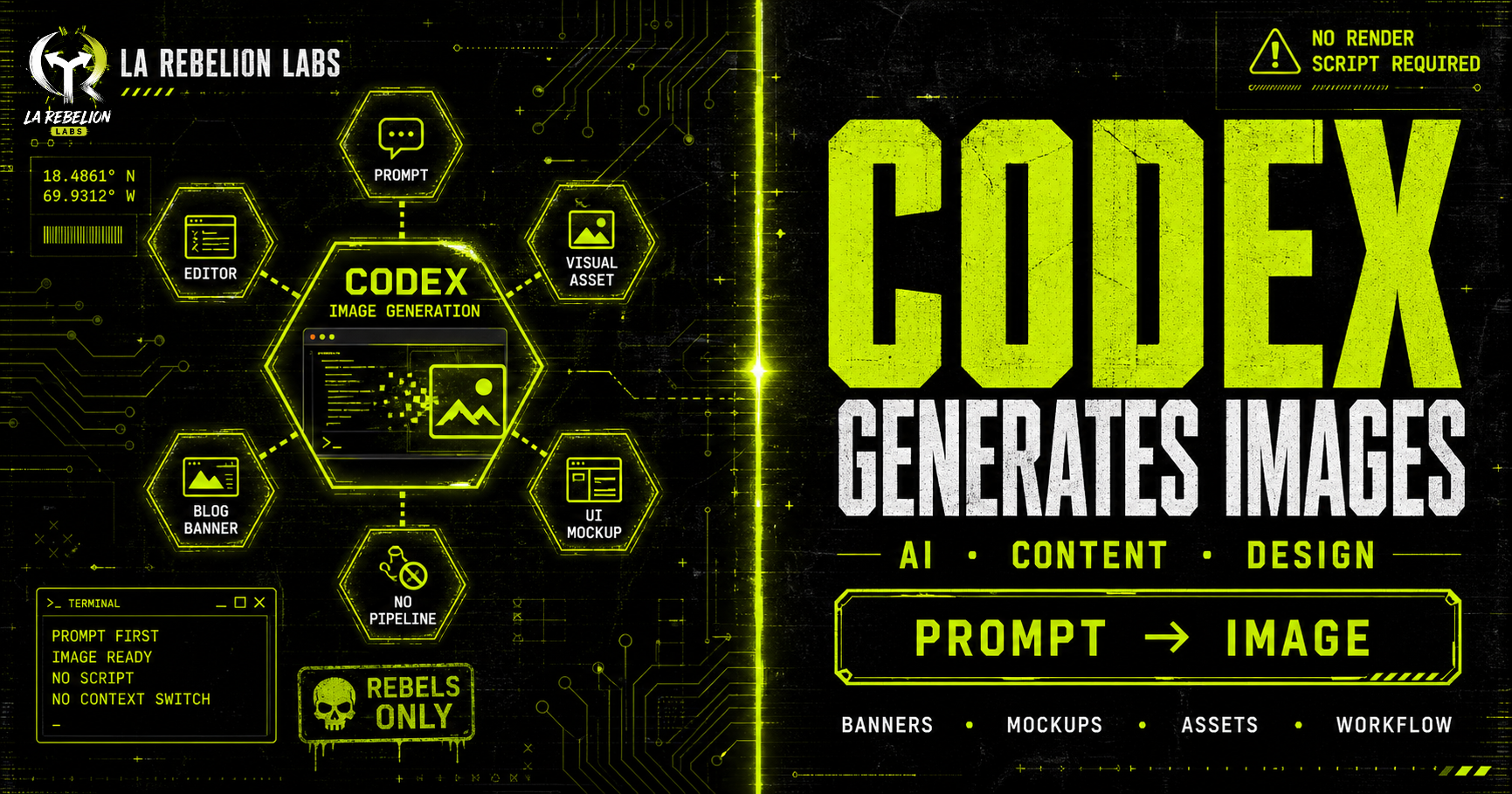
Most developers know Codex for one thing: generating code.
What surprised me recently is that Codex can generate images too, directly from your editor.
This feature is still flying under the radar, but it completely changed part of my content workflow.
I started using Codex to create banner images for my blog posts, and honestly, it removed an entire layer of friction from my process.
Before this, I had built a custom Skill that generated blog banners using SVG templates and a puppeteer rendering pipeline. Technically, it worked. But the workflow felt fragile:
- Generate the SVG
- Run the rendering script
- Tweak styles manually
- Re-render until it looked acceptable
The biggest problem was quality. The images looked generic and lacked the visual impact I wanted for my blog. I had to spend extra time tweaking the SVG templates and styles to get something that felt right.
Now I can stay inside my editor, describe what I want in natural language, and let Codex generate production-ready visuals in seconds.
No switching tools. No rendering scripts. No fighting with SVG layouts.
Just prompt → image.
That alone makes the feature worth exploring.
What Codex Image Generation Can Do
Codex is not limited to code generation anymore.
You can now ask it to create or edit images directly from your development environment. That makes it surprisingly useful for:
- Blog post banners
- UI mockups
- Hero sections
- App illustrations
- Placeholder assets
- Sprite sheets
- Layout concepts
- Social media graphics
- Documentation visuals
You can also provide a reference image and ask Codex to transform, extend, or restyle it.
For developers working on frontend systems, design systems, internal tools, or content platforms, this becomes a massive productivity boost because the feedback loop becomes almost instant.
Instead of opening multiple tools just to create a quick visual asset, you stay focused inside the same workflow.
Natural Language Prompts Work Surprisingly Well
The best part is that you do not need to learn a complex syntax.
You can simply describe what you want:
"Create a modern cyberpunk banner for a cloud engineering article with neon purple lighting and minimal typography."
Or explicitly invoke the image generation skill using:
$imagegen
That tells Codex to switch into image-generation mode directly.
The results are much better than I expected for something integrated into a coding workflow.
How to Enable Image Generation in Codex
Depending on your setup, image generation may still be behind an experimental feature flag.
To enable it manually, update your configuration file:
[features]
image_generation = true
File location:
~/.codex/config.toml
You can also enable it directly from the CLI:
codex features enable image_generation
Once enabled, you can start generating images immediately by:
- Using
$imagegen - Asking naturally in prompts
- Providing reference images for edits or transformations
Why This Matters More Than It Seems
At first glance, image generation inside Codex feels like a "nice extra feature."
It is not.
This is another example of development environments becoming multimodal.
The editor is evolving from:
- "a place where you write code"
into:
- "a workspace where you build entire products."
Code, visuals, documentation, UI ideas, and content generation are starting to happen in the same interface.
That changes workflows significantly.
For solo builders, startup founders, DevRel engineers, technical writers, and indie hackers, this removes operational overhead that usually breaks momentum.
The biggest productivity gains in AI are not always about replacing difficult work.
Sometimes they come from removing tiny interruptions repeated hundreds of times.
This is one of those cases.
Final Thoughts
I originally discovered this feature while trying to improve my blog banner workflow.
I expected a small convenience feature.
What I found instead was a surprisingly practical capability that eliminated an entire mini-pipeline from my content system.
If you already use Codex daily, image generation is worth testing immediately.
Especially if your workflow sits at the intersection of:
- engineering
- content creation
- UI work
- documentation
- startup building
The less context switching you do, the faster ideas become real artifacts.
And that is where these tools start becoming genuinely transformative.
Go Rebeles! ✊🏽