Video Production Is Becoming Code: Build an AI Video Production System
Video production can be treated as code. Learn how AI coding agents, reusable visual components, and human review can turn a creator's style into a repeatable production system.
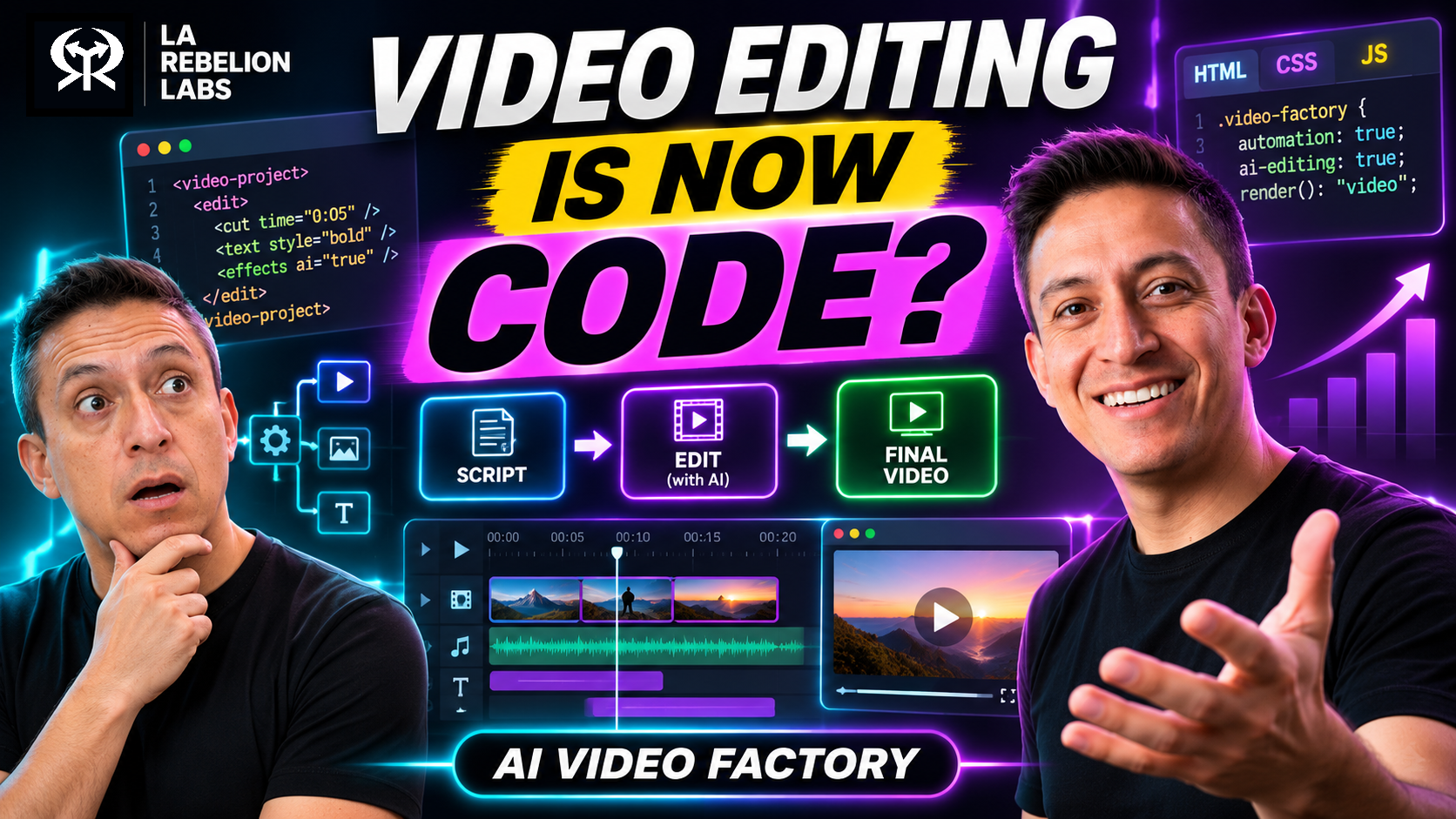
We usually think about coding agents as tools for building apps, writing tests, or fixing bugs. But video production can also be expressed as code: visual components, animation timelines, editing instructions, scripts, and rendering workflows.
Once those pieces are programmable, an agent that can read files, write code, and use tools can help produce video.
That is the idea I am exploring: not just editing one video with AI, but building an AI Video Production System that helps creators produce their next video, and the next one after that, consistently in their own style.
The Real Bottleneck Is Everything After Recording
You record a ten-minute explanation. Then the work begins:
- Remove mistakes and long pauses.
- Find screenshots and supporting visuals.
- Build diagrams that explain the ideas.
- Add titles, captions, and transitions.
- Synchronize everything with your voice.
- Review, adjust, and render.
Next week, you do it all again.
The problem is not only the number of tasks. It is that many creative and technical decisions are repeated every time: the same fonts, colors, layouts, lower thirds, animation styles, and quality checks.
Software teams stopped rewriting common functionality and started building reusable components. Why not apply the same thinking to content production?
Not to make every video identical. To stop rebuilding the parts you already know you want.
Wait, Video Production Can Be Code?
Yes. Some parts already are, even if they are hidden behind a visual editor.
A title has a position, font, color, and duration. A transition has timing. A chart has data, shapes, labels, and animation. A video has a sequence of visuals and audio on a timeline.
Those choices can be represented as files and instructions.
For example, a motion graphic can be built with HTML, CSS, and JavaScript. An animation library such as GSAP can control how elements appear and move. A browser can preview the result, and a rendering workflow can turn frames and audio into a video file using tools such as FFmpeg.
That means a coding agent can work on a video component much like it works on a web page:
- Read the brief and visual guidelines.
- Select or create a suitable component.
- Write or modify the animation code.
- Preview the result and make adjustments.
- Prepare it for rendering and review.
The agent is not magically becoming a filmmaker. It is using its ability to work with code and tools in a different domain.
And not every production must use HTML or the same renderer. The important idea is that the workflow and its creative building blocks can be described, inspected, and reused.
A Prompt Is Not a Production System
You can ask a coding agent to create an animated explainer with a single prompt. You might get something useful.
But what happens when you ask for the next one?
Does it know your preferred typography? How much text you allow on screen? Where your talking-head footage belongs? How quickly you like a diagram to appear? Which transitions you never want to see again?
Probably not, unless you give it that context.
The prompt matters. The system behind the prompt matters more.
A creator's production system can hold:
- Visual identity: colors, fonts, logo usage, and spacing.
- Editorial rules: tone, pacing, accessibility, and how much text belongs on screen.
- Reusable components: title cards, lower thirds, diagrams, charts, and transitions.
- Production workflows: steps for long-form videos, shorts, or tutorials.
- Quality checks: what to review before a draft is approved.
- Examples: previous work that demonstrates the style you want to maintain.
For example, a small project might organize those ideas like this:
video-production/
  playbook/
    style.md
    motion.md
    checks.md
  components/
    title-card/
    comparison/
    process-diagram/
  episodes/
    my-next-video/
      brief.md
      transcript.md
      assets/
This is an illustrative structure, not a required tool or format. Start with a few files and components that solve a real problem. The point is to make your decisions available to the agent instead of repeating them in every conversation.
Your style does not have to be trapped inside your head or a single editing session. It can become part of the production workflow.
Turn Feedback Into Reusable Knowledge
Suppose the agent creates a slide with six bullet points. You review it and say:
This is too much text. Show the relationship as a diagram instead.
The agent updates the scene. But you can go one step further: add a rule to the playbook.
Prefer visual relationships over long text lists when explaining a process.
The next time an agent works on a similar scene, it has that preference from the start.
This does not mean the model has magically learned your style. You are improving the instructions, examples, and components it can use.
The loop is simple:
Produce → Review → Correct → Save the lesson → Reuse
Some feedback belongs only to one video. A correction that keeps coming up may deserve a reusable rule or a better template. Human judgment decides which is which.
From One Recording to a Repeatable Pipeline
An effective system needs more than visual components. It needs a workflow that puts the steps in the right order.
Here is one possible production pipeline:
- Ingest: Gather the raw video, audio, brief, and any source material.
- Transcribe: Produce a transcript with timestamps.
- Prepare a rough cut: Identify mistakes, restarts, and pauses for review.
- Approve the edit: The creator checks the narrative before visual production begins.
- Plan visuals: Identify where a diagram, screenshot, animation, or other asset would help.
- Create and assemble: Reuse or build components and align them with the narration.
- Review a preview: Check the story, visuals, timing, captions, and audio.
- Render and publish: Render the approved version, check the final file, and publish when ready.
The order matters. You do not want to spend time animating a scene that will be cut.
Different productions will need different steps. Some start with a written script; others start with a recording. Some use a human narrator; others may use generated narration. The workflow should support the creator, not force every video into the same mold.
The Transcript Can Become a Timeline
A timestamped transcript does more than produce captions. It can also help connect the narration to visual events.
Imagine the narration says:
An AI agent needs three things: a model, tools, and context.
A production workflow could use word-level timestamps to place each visual near the relevant phrase: the model appears first, then the tools, then the context.
The agent can suggest a visual pattern too. A comparison might become side-by-side cards. A sequence might become a flowchart. A number might become a chart.
But transcription and timing are not perfect. The creator still needs to check whether the words, visual cues, captions, and cuts are accurate and whether the animation actually helps explain the idea.
A beautiful animation that does not clarify anything is decoration, not communication.
Preview Is Not the Same as a Finished Video
A working browser preview does not guarantee a good render.
Fonts can change. Audio can drift. Elements can appear at the wrong time. A layout that looks good in a small preview may be unreadable on a phone.
For a sense of scale, a ten-minute video at 30 frames per second contains 18,000 frames. Rendering and checking the output is a real production step, not an afterthought.
That is why I like applying a familiar engineering principle: test a small piece before running the expensive job.
Render a short representative section first. Check the typography, layout, timing, and audio. Then render the full video and review the final file before publishing.
Automation can also introduce costs: coding-agent usage, external generation services, storage, and rendering time. Set boundaries and review costs rather than assuming every automated step is free.
Where Do AI Tools and MCP Fit?
A coding agent can use local files, scripts, a browser, transcription tools, and renderers as part of the workflow. It can also connect to external services through APIs or, where supported, the Model Context Protocol (MCP).
For example, an external service might generate a supporting clip while local tools assemble the final video.
MCP is one way to connect capabilities. It is not a requirement for every production system, and it does not replace the workflow itself.
The bigger architecture is the combination of reusable instructions, components, tools, review, and the creator's decisions.
You can start integrating your API with agents today, you don't need a full MCP implementation, you just need an API that exposes your capabilities, HAPI MCP will handle the connection to AI agents seamlessly, without waiting for a complete MCP setup.
Does This Replace Traditional Video Editors?
No. It gives creators another way to organize the work.
Traditional editors remain valuable for cinematic storytelling, detailed sound mixing, color grading, specialized effects, and precise creative control. A creator may use a programmable workflow for repetitive graphics and rough assembly, then finish the piece in an editor.
The useful distinction is responsibility:
- The creator defines the message, style, and final approval.
- The coding agent helps plan and implement work using the available instructions and tools.
- Deterministic tools handle tasks such as rendering and media processing.
- Review and checks help catch problems before publication.
AI does not need to replace the editor. It can reduce the repetitive work around editing.
Beyond One Video: Your Production Knowledge Is an Asset
Once a workflow works for one video, the interesting question is whether it can work for the next ten.
Your playbook, components, examples, and quality checks become a growing collection of production knowledge. They can help a team stay consistent, make it easier to onboard collaborators, and give agents a clearer starting point.
That also opens the door to a broader production platform: a place to coordinate scripts, narration, assets, scenes, reviews, and renders across multiple projects.
But a demo and a reliable system are different things. A platform also needs to handle errors, storage, access, versioning, costs, and review. Those are engineering problems as much as creative ones.
Start With One Repetitive Task
You do not need a full production platform or hundreds of templates on day one.
Start with one video:
- Pick a repetitive task, such as a title card or a recurring diagram.
- Write down what makes it match your style.
- Ask a coding agent to help create a reusable component.
- Preview it, review it, and save the corrections that should apply next time.
- Use it again in another video and improve it.
The goal is not one impressive AI-generated video.
It is a system that helps you create the next ten without starting from zero.
Your creativity defines the result. Your system makes it repeatable.
What I Am Building: Qontent Tube
This is why I am working on Qontent Tube.
I started exploring it for my own content production and experimentation. My goal is to help creators combine AI agents, reusable components, and human review into a more systematic workflow, without losing the style and judgment that make their content theirs.
It is a work in progress, not a promise that every step of video production is solved. The current focus is personal use and experimentation, and I would love your feedback as it evolves.
You can learn more at qontent.tube.
Why Qontent Tube
You can start creating your own video production system, but you need to invest time and effort into building reusable components, defining your style, and setting up reliable workflows. Qontent Tube aims to lower that barrier by providing tools and guidance to help you get started more quickly and systematically.
Qontent Tube aims to provide a simple and structured way to start building your video production system, without requiring you to reinvent the wheel for every project. We want creators to focus on their creativity while the platform helps manage the repetitive and technical aspects of production.
What would you automate first: recording cleanup, motion graphics, captions, or another part of your workflow?
Go Rebels! ✊🏽