Which AI Coding Harness? A Field Guide to AI in Your SDLC
The model is the engine, the harness is the car. We sort today's AI coding tools into six families, map them onto your software lifecycle, and share a practical way to choose.
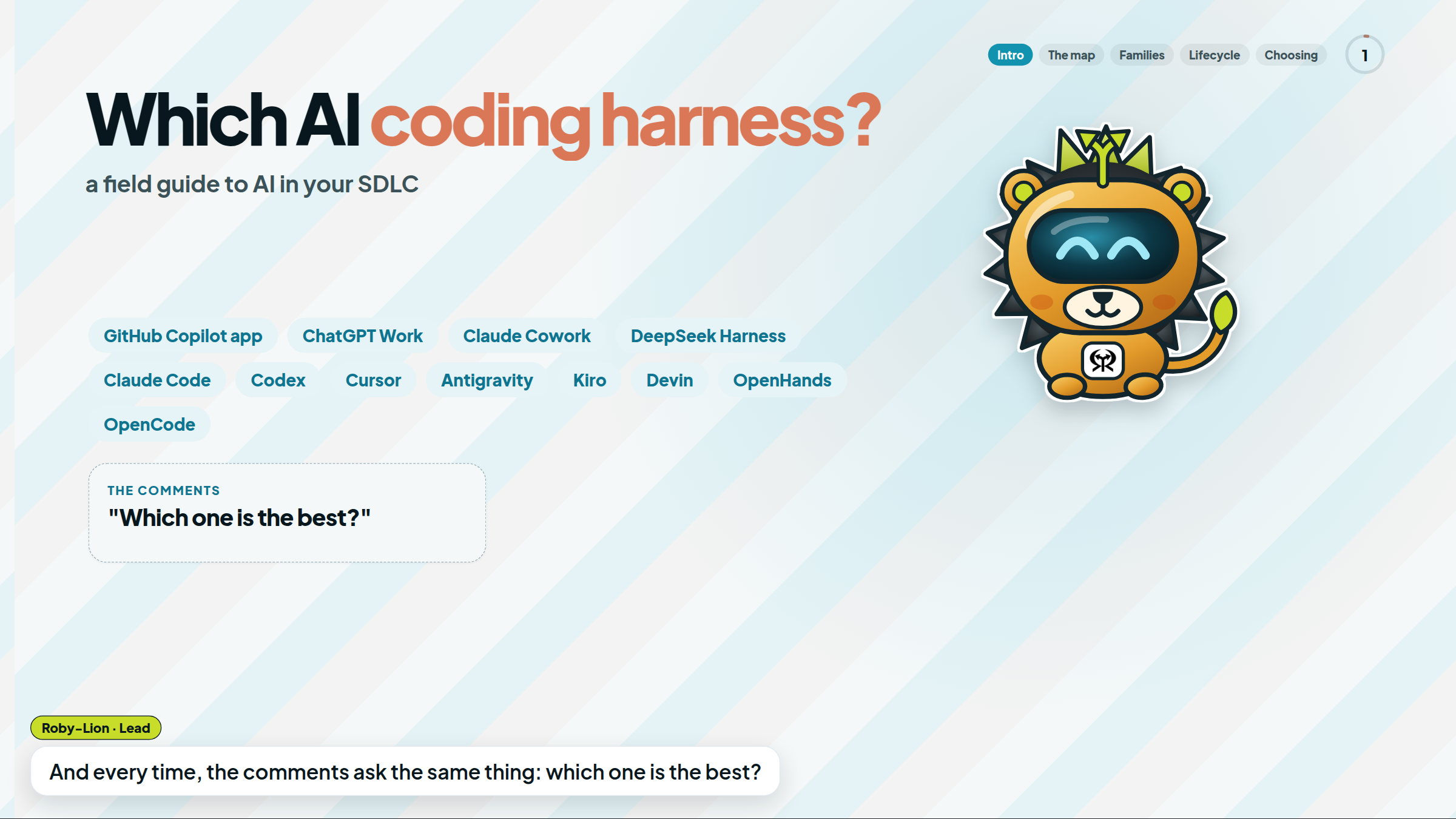
A new AI dev tool shows up every week. The GitHub Copilot app, ChatGPT Work, Claude Cowork, DeepSeek Harness, and many more on the way. And the comments always ask the same thing: "Which one is the best?"
That's the wrong question. These tools aren't all the same kind of product. This guide, and the video that goes with it, sorts them into six families by where the agent lives, maps them onto your software lifecycle, and gives you a simple way to choose.
Every fact in this post comes from official docs and repositories, checked on October 19, 2026. When something is our opinion, we say so. Products move fast, so treat this as a snapshot.
The model is the engine. The harness is the car.
Two products can run similar models and still feel completely different. The difference lives in the harness: everything around the model, including tools, context, where it runs, memory, permissions, and approvals.
The industry already talks this way. Google describes its Antigravity SDK as a way to build custom agents on Antigravity's harness, and DeepSeek literally named its product DeepSeek Harness. Our opinion: most of the real differences you'll feel day to day live in the harness, not the model.
Six families, one map
The question to ask is where does the agent live?
| # | Family | Where the agent lives | Examples |
|---|---|---|---|
| 1 | In your editor | Next to your code, diff by diff | Cursor, Copilot agent mode, Kiro, Antigravity IDE |
| 2 | In your terminal | In your shell, scripts and CI | Claude Code, Codex CLI, Gemini CLI, Copilot CLI, OpenCode, Cline, Aider |
| 3 | Agent cockpits | A desktop where you supervise many agents | GitHub Copilot app, Claude Code desktop, Codex, Antigravity App, Devin Desktop, OpenHands Agent Canvas |
| 4 | Cloud teammates | In the cloud: assign a task, get a PR | Copilot cloud agent, Cursor cloud agents, Claude Code on the web, Codex Cloud, Devin |
| 5 | Around the code | Research, documents and reports | ChatGPT Work, Claude Cowork, Microsoft 365 Copilot, Gemini in Workspace, Manus |
| 6 | Build your own | Kits for building your own agents | DeepSeek Harness, Claude Agent SDK, Antigravity SDK, Cline, OpenHands |
One warning: the borders are blurry. The same vendor often ships an app, a CLI, an IDE plugin, and a cloud agent. Think of these as families of experience, not company names.
Family 1: In your editor
The agent sits next to your code.
- Cursor calls itself "the AI editor and coding agent," with Plan Mode, rules, skills, and MCP.
- GitHub Copilot offers agent mode and plan mode in the IDE, so a plan can be reviewed before code changes.
- Kiro puts specs front and center: requirements, design, and tasks, plus steering files and hooks. Its docs and site footer tie it to AWS.
- Antigravity IDE adds an agent manager and artifacts.
Pros: the tightest feedback loop. You see every diff, where you work. Cons (our opinion): it's tied to your machine and your attention. When you stop watching, the work usually stops too, and switching editors has a real cost for a team.
Family 2: In your terminal
This is where agents become scriptable. Claude Code, Codex CLI (Apache-2.0), Gemini CLI (Apache-2.0), Copilot CLI, OpenCode (MIT), Cline (Apache-2.0), and Aider (Apache-2.0) all live here. The Claude Code docs show the idea in one line:
git diff main --name-only | claude -p "review these changed files for security issues"
Pros: these tools compose in scripts and CI. With open source, you can pick your model and inspect the code. Cons (our opinion): they're less visual, and you own the setup. With open source, check that a project is actively maintained before your team depends on it.
Family 3: Agent cockpits
Here you supervise many agents from one desk. The GitHub Copilot app is a desktop app for agent-driven development: sessions per project, each isolated on its own branch, a browser canvas with Pick & Polish, and Agent Merge, which handles review feedback, CI failures, and merge conflicts. You still decide when to merge.
It's not alone. Claude Code desktop runs parallel sessions, schedules, and cloud sessions. Codex runs across the ChatGPT desktop, web, and mobile apps, plus its CLI, IDE extension, and cloud. The Antigravity App runs local agents in parallel, Devin Desktop manages local and cloud agents and includes a full IDE, and OpenHands Agent Canvas is a self-hosted control center that runs any ACP-compatible agent.
Pros: real parallel work, with a human supervising from one place. Cons (our opinion): you become the bottleneck. Five agents means five PRs to review.
Family 4: Cloud teammates
Assign it, close the laptop, get a PR.
- Copilot cloud agent works in an ephemeral cloud environment: an issue, PR, or chat becomes one branch and one PR. Sessions have a 59-minute maximum, and it only works with GitHub-hosted repos.
- Cursor cloud agents run in isolated VMs, many in parallel, started from Slack, GitHub, Linear, or the API. They deliver PRs with screenshots, videos, and logs.
- Claude Code has web sessions and Routines that run in the cloud, and you can mention it in Slack with a bug report to get a pull request back.
- Codex Cloud and Devin (assign from Slack, Teams, Linear, or Jira, get draft PRs) round out the family.
Pros: work continues without your machine, and you get evidence, not just code. Cons (our opinion): cost and setup. Cursor bills cloud agents at API pricing for the model, and every cloud agent needs a working environment with dependencies and secrets. GitHub's own docs say it plainly: "Review and test the output before using it in production."
Family 5: Around the code
Not everything in your SDLC is code. Planning, research, specs, and reports matter too.
- ChatGPT Work delegates a brief, deck, analysis, or recurring update on desktop or cloud, with plugins for GitHub, Slack, Drive, and SharePoint. OpenAI says it has the same core capabilities as Codex.
- Claude Cowork brings Claude Code's agentic capabilities to knowledge work, with projects, schedules, subagents, and Manual, Auto, and Skip permission modes.
- Microsoft 365 Copilot works across Word, Excel, Teams, and more, grounded in Microsoft Graph and Work IQ. Microsoft's docs also list Copilot Cowork and Copilot Code, which is still in the Frontier preview program. Both are billed by usage.
- Gemini in Workspace covers Gmail, Docs, Sheets, Drive, and Meet, plus Gemini Notebook and Studio flows.
- Manus builds slides and websites, runs Wide Research, and has web, desktop, mobile, Slack, and API access.
Our tip: follow your ecosystem. If your team lives in Microsoft 365 or Google Workspace, start there. Cons: these tools aren't built around your repository and its pull requests, so hand implementation to a coding agent. ChatGPT Work notes that longer tasks use more credits, and Anthropic warns that Cowork has "unique risks due to its agentic nature and internet access."
Family 6: Build your own
You don't use these, you build with them. DeepSeek Harness (MIT) treats everything as a plugin, powered by Cordis. It has a Web UI and a desktop app, works with DeepSeek or OpenAI-compatible models, and has a Creator mode that builds plugins by chatting. It's a developer preview, and its README warns about breaking changes. Other builder kits include the Claude Agent SDK, the Antigravity SDK (Python, with evaluations), Cline as an SDK, and OpenHands (open source, any model).
Pros: maximum control over models, tools, permissions, and cost. Cons: you own all of it. DeepSeek's own safety notice says the harness "has not undergone a security audit" and recommends least privilege and a disposable VM or container.
One board: your software lifecycle
| Stage | Who helps |
|---|---|
| Plan | Kiro specs, plan modes (Copilot, Cursor), work agents for research |
| Build | Editor and terminal agents |
| Verify | Cloud environments run tests and return screenshots, videos, and logs |
| Review | Copilot code review, Claude Code GitHub code review, Codex code review |
| Merge | Agent Merge chases CI failures and conflicts, and a human decides |
| Operate | Routines, scheduled tasks, Slack bug → PR |
Our opinion, and the map shows it: no single tool covers every stage equally well. Most teams will combine two or three.
Invest in what travels with you
Harnesses will come and go. A few things keep their value no matter which one wins next year:
- MCP (Model Context Protocol): supported by Claude Code, Copilot, Cursor, Kiro, Codex, and more.
- AGENTS.md: project instructions that Codex reads, and that Claude Code can read instead of
CLAUDE.md. - Skills: packaged workflows in Claude Code, Copilot, Codex, and Cursor.
- Clear specs and tests that prove behavior.
No MCP servers for your own systems yet? If you already have an OpenAPI contract (what many of us still call Swagger) or Arazzo workflows, the hapi CLI can serve them as an MCP server. Your API contracts are already a great starting point for agents, whichever harness you pick.
Guardrails before speed
The vendors put it in their own words:
- GitHub: "Review and test the output before using it in production."
- Anthropic, on Cowork: "unique risks due to its agentic nature and internet access."
- DeepSeek: "has not undergone a security audit."
Take that seriously. Use permission modes, set spend limits, give agents the least access they need, keep secrets out of their reach, and keep a human on the merge button.
How to choose (our opinion)
Start from your situation, not from the leaderboard:
| If… | Start with |
|---|---|
| Your code and PRs live on GitHub | Copilot app + cloud agent |
| You want scriptable, CI-friendly agents | Claude Code, Codex, Gemini CLI |
| You live in your editor | Cursor, Kiro, Antigravity |
| You want open source, your own models, self-hosting | OpenCode, Cline, OpenHands |
| You need research, documents, and reports | ChatGPT Work, Claude Cowork, M365 Copilot, Gemini (follow your ecosystem) |
| You're building an agent platform | DeepSeek Harness, Agent SDKs, Antigravity SDK |
Run your own bake-off
Benchmarks won't tell you how a tool works on your code. Take one real ticket, medium-sized, with validation and tests. Run it through two or three tools, each on its own branch, and score them with the same scorecard:
- time to a verified PR
- human interventions
- tests passed
- defects found in review
- total cost
- recovery from CI failures
If you keep only one number, keep this one:
Cost per accepted feature = (AI + compute + review + rework) ÷ accepted features
That number tells you more than any benchmark chart.
Names change. Families stay.
Some of these projects will merge, and some will be archived. We think the six families will stay. When the next shiny app shows up, ask three questions:
- Where does the agent live?
- Which stage of my lifecycle does it improve?
- What does it need from me to be trusted?
Your turn
Which combo are you running today? Tell us in the comments on the video. Subscribe for more, and visit rebelion.la to see what La Rebelion Labs is building.
Go Rebels!
Sources (checked October 19, 2026)
- GitHub Copilot app: getting started · GitHub Copilot docs · About Copilot cloud agent
- ChatGPT Work · ChatGPT and Codex docs · openai/codex
- Claude Cowork · Claude Code overview
- DeepSeek Harness · SAFETY.md
- Cursor docs · Cursor cloud agents
- Google Antigravity · Kiro docs
- Devin · Devin Desktop
- OpenHands · Gemini CLI · OpenCode · Cline · Aider
- Microsoft 365 Copilot · Gemini in Google Workspace · Manus
- HAPI MCP (our own tool)