QBot: A CLI MCP Client Built for DevOps
What if you could talk to your infrastructure the same way you talk to ChatGPT? No clunky dashboards. No endless API docs. Just a simple CLI that lets you ask for what you want—and
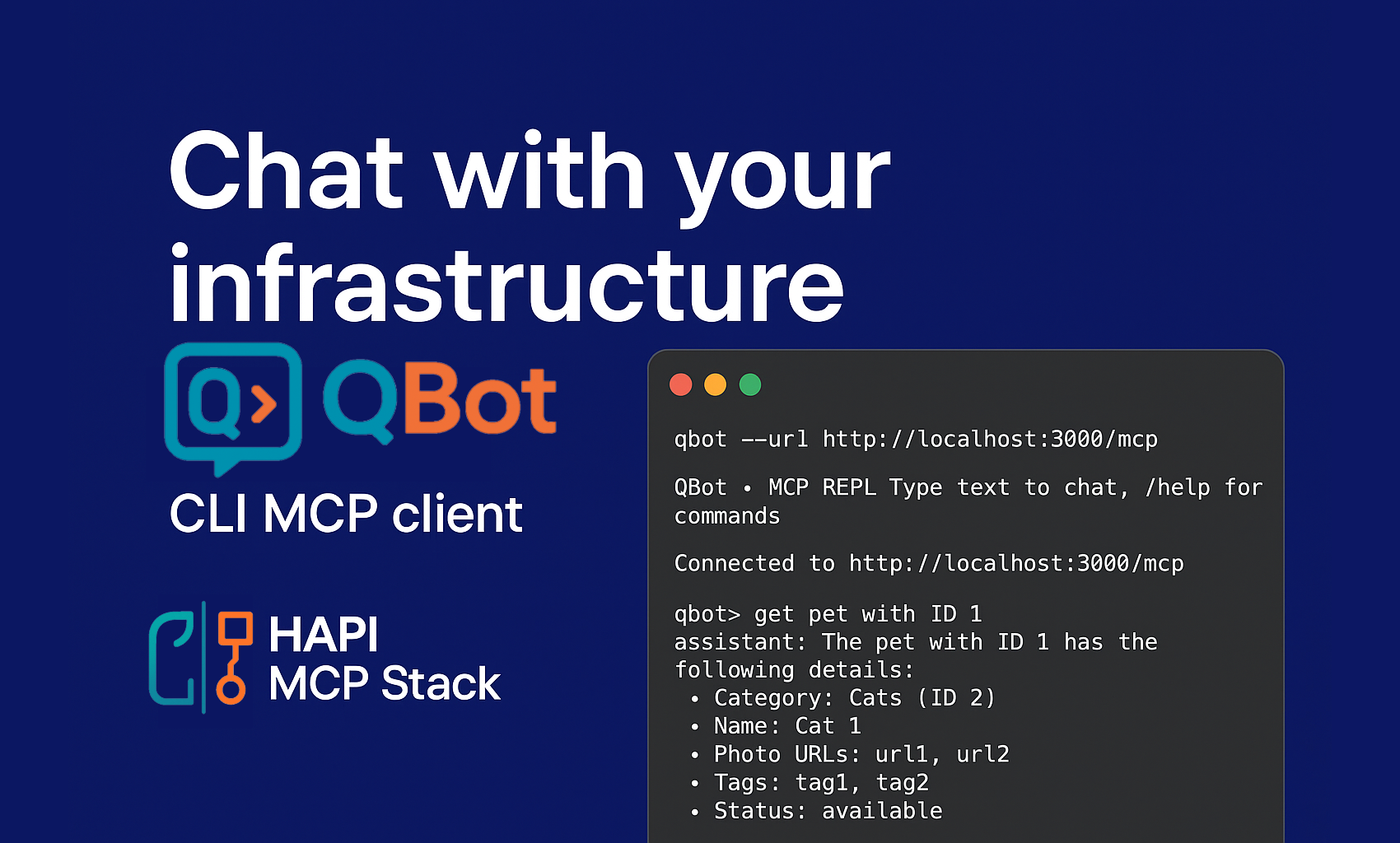
What if you could talk to your infrastructure the same way you talk to ChatGPT? No clunky dashboards. No endless API docs. Just a simple CLI that lets you ask for what you want—and get it done.
That’s the vision behind QBot, my new CLI MCP client built to help DevOps practitioners interact with their infrastructure using natural language.
This started as a Sunday afternoon experiment. I stumbled upon a $1 promo code for OpenAI and decided to give Codex a spin. My goal: generate a Claude Code + Codex-style clone that could serve as the foundation for QBot. To my surprise, the first MVP came together quickly—and it’s already powerful enough to be useful.
Thanks to the HAPI MCP Stack, connecting QBot to any MCP server became not only possible but seamless.
What QBot Can Do Today
With the MVP, here’s what I can already do in just a few steps:
-
Connect to an MCP server.
-
List all available tools.
-
Call tools directly—or simply type prompts in natural language.
-
Configure the LLM provider and model on the fly.
That means I can now interact with my MCP server and my infrastructure as if I were chatting with a colleague.
Demo: QBot in Action
Here’s a quick example using the classic Petstore API (a favorite for demos because it’s simple and widely available).
$ qbot --url http://localhost:3000/mcp
QBot • MCP REPL  Type text to chat, /help for commands
➜ Connected to http://localhost:3000/mcp
qbot> /tools
... removed for brevity ...
qbot> /llm status
Provider: ollama
Model: llama3.1:latest
Keys: (none)
Base URLs: ollama
qbot> get pet with ID 1
➜ Calling tool getPetById
assistant: The pet with ID 1 has the following details:

* Category: Cats (ID 2)
* Name: Cat 1
* Photo URLs: url1, url2
* Tags: tag1, tag2
* Status: available
qbot> delete order with ID 10
➜ Calling tool deleteOrder
assistant: Order with ID 10 has been deleted successfully.
qbot> /exit
Simple, right? No SDK setup. No boilerplate code. Just type what you need, and QBot handles the rest.
👉 I’ve included a full video walkthrough of the demo below so you can see it in action.
What’s Next for QBot
The MVP is just the beginning. I’m already exploring ways to extend QBot with:
-
Few-shot prompts for more context-aware interactions.
-
Tool chaining to run multi-step workflows automatically. (The AI formula: OAS + MCP + Arazzo)
-
Deeper integration with infrastructure APIs so DevOps tasks become as easy as chatting.
Ultimately, QBot aims to become the CLI sidekick every DevOps practitioner wishes they had.
Why This Matters
Infrastructure is getting more complex, not less. Kubernetes, multi-cloud, APIs everywhere—DevOps teams are drowning in tools and dashboards. A conversational CLI like QBot flips that complexity on its head.
Instead of memorizing commands, you can describe your intent—and let QBot translate that into precise API calls. That’s where the HAPI MCP Stack shines. It provides the foundation for exposing APIs in a standard, machine-readable way, so tools like QBot can plug in and just work.
If you’re exploring how MCP can simplify your workflows, I’d highly recommend checking out the HAPI Stack—it’s the backbone of everything I’m building here.
Final Thoughts
This is just the start, but I’m excited about where QBot is heading. Imagine pairing natural language with infrastructure automation—suddenly, DevOps feels less like firefighting and more like flow.
I’d love to hear what you think:
-
What features would you like to see in QBot?
-
How would you use a conversational CLI in your workflow?
Drop your thoughts in the comments, and stay tuned for updates.
Be HAPI. 😁 Go Rebels! ✊🏽