QBot: A CLI MCP Client to support DevOps
I wanted to give it a try with OpenAI Codex or Claude Code. I found this 1-dollar promo code for OpenAI, hence, I went with Codex.
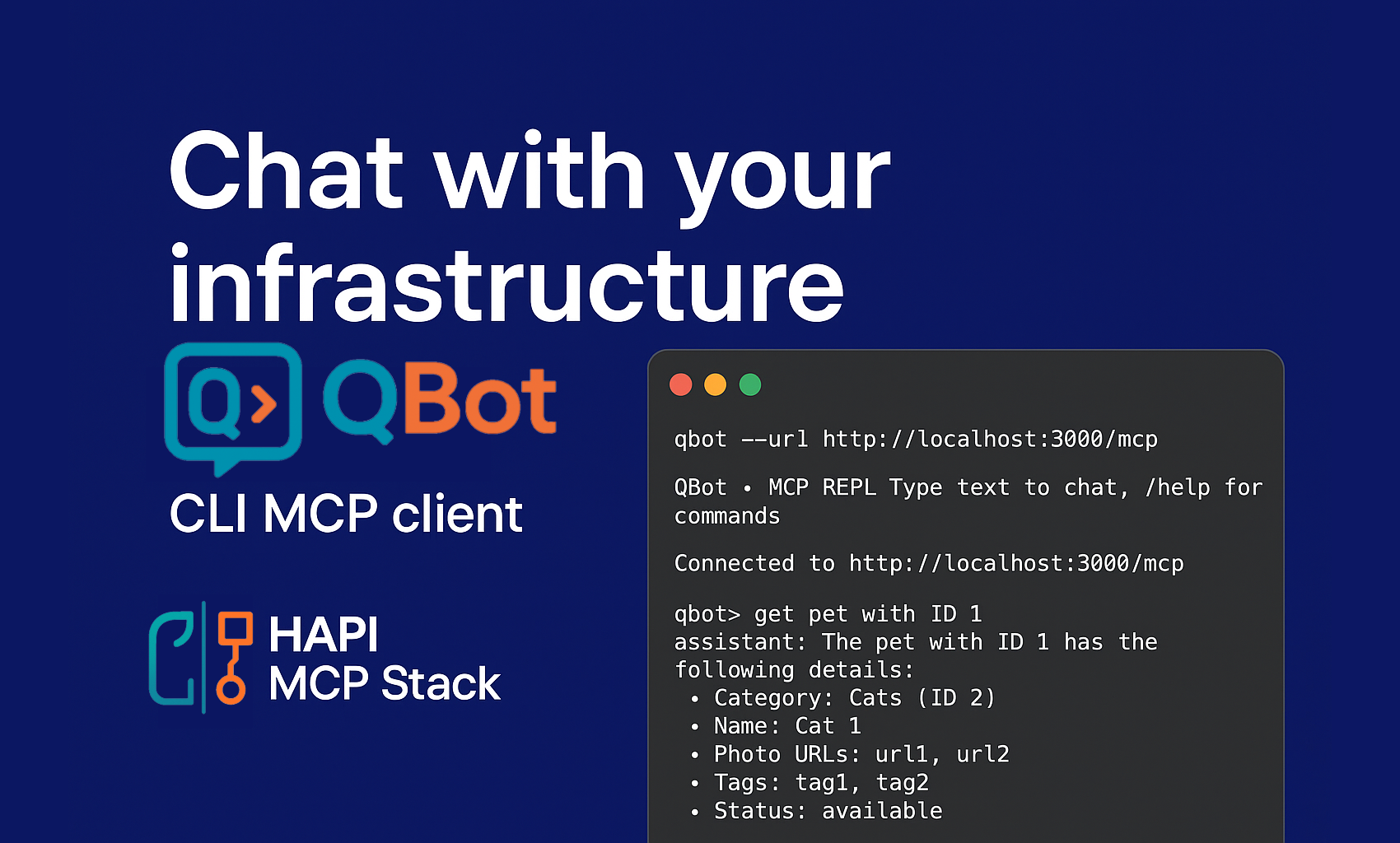
I wanted to give it a try with OpenAI Codex or Claude Code. I found this 1-dollar promo code for OpenAI, hence, I went with Codex.
I have to say, I am quite impressed. I asked it to generate a Claude code and Codex clone, and it did a pretty good job for a first attempt and MVP. I am aiming to create QBot, a CLI MCP client that can interact with any MCP server, but mainly focused on supporting DevOps practitioners to interact with their infrastructure all via API calls; thanks to HAPI MCP Stack, this is now possible.
Let me show you the MVP generated this Sunday afternoon.
I can connect to an MCP server. List all available tools. Call a tool directly, but I prefer to leverage natural language through a prompt. I can configure the LLM provider and the model to use.
With that, I can now interact with my MCP server and get things done. I tested with the Petstore example. If you have been following my blog and videos, you know I am using it a lot for demos, because it is simple and available everywhere.
The Demo (MVP in Action)
In the demo video, I walk through the very first working version of QBot:
-
Listing tools: Seeing what actions the MCP server provides.
-
Checking configs: Confirming Ollama 3 is running and connected.
-
Executing requests: Running
get pet by ID 1ordeleting an order with ID 10— all powered by natural language mapped to real API calls.
It may look simple now, but that’s exactly the point: accessibility. A beginner DevOps engineer could get the same results as a seasoned pro, without memorizing commands.
Start QBot, connect to the MCP server, and list all available tools!
$ qbot --url http://localhost:3000/mcp
QBot • MCP REPL  Type text to chat, /help for commands
➜ Connected to http://localhost:3000/mcp
qbot> /tools
... removed for brevity ...
qbot> /llm status
Provider: ollama
Model: llama3.1:latest
Keys: (none)
Base URLs: ollama
qbot> get pet with ID 1
➜ Calling tool getPetById
assistant: The pet with ID 1 has the following details:

* Category: Cats (ID 2)
* Name: Cat 1
* Photo URLs: url1, url2
* Tags: tag1, tag2
* Status: available
qbot> delete order with ID 10
➜ Calling tool deleteOrder
assistant: Order with ID 10 has been deleted successfully.
qbot> /exit
You can see how easy it is to interact with the MCP server and get things done. I can now leverage the power of LLMs to interact with my infrastructure and get things done.
I am planning to add more features, like:
-
Support for more advanced prompts, like few-shot learning, etc.
-
Support for more advanced features, like tool chaining, etc.
Stay tuned, and let me know what you think. I am open to feedback and suggestions.
Be HAPI. 😁 Go Rebels! ✊🏽